The inventory management app that lives in your pocket
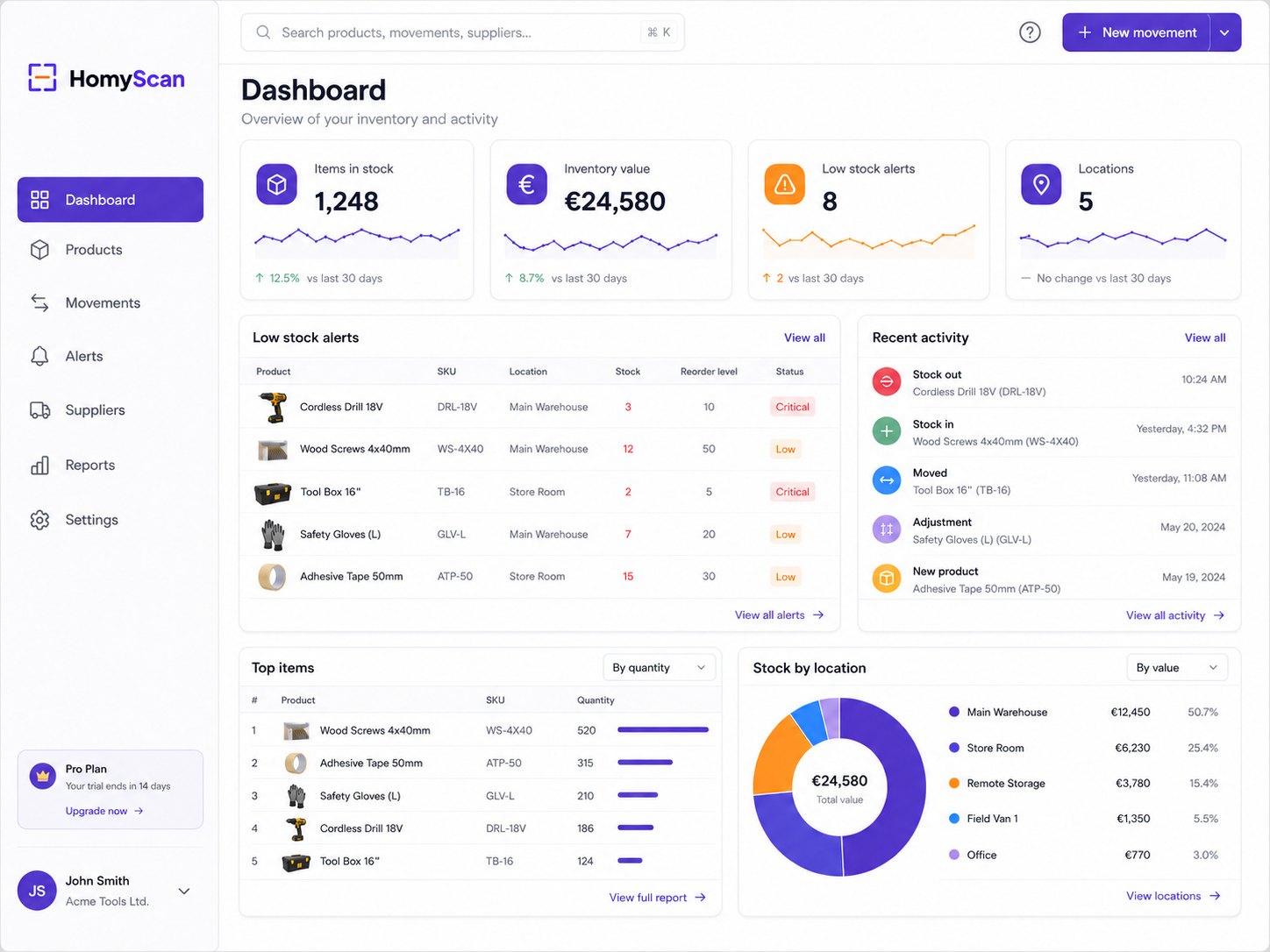
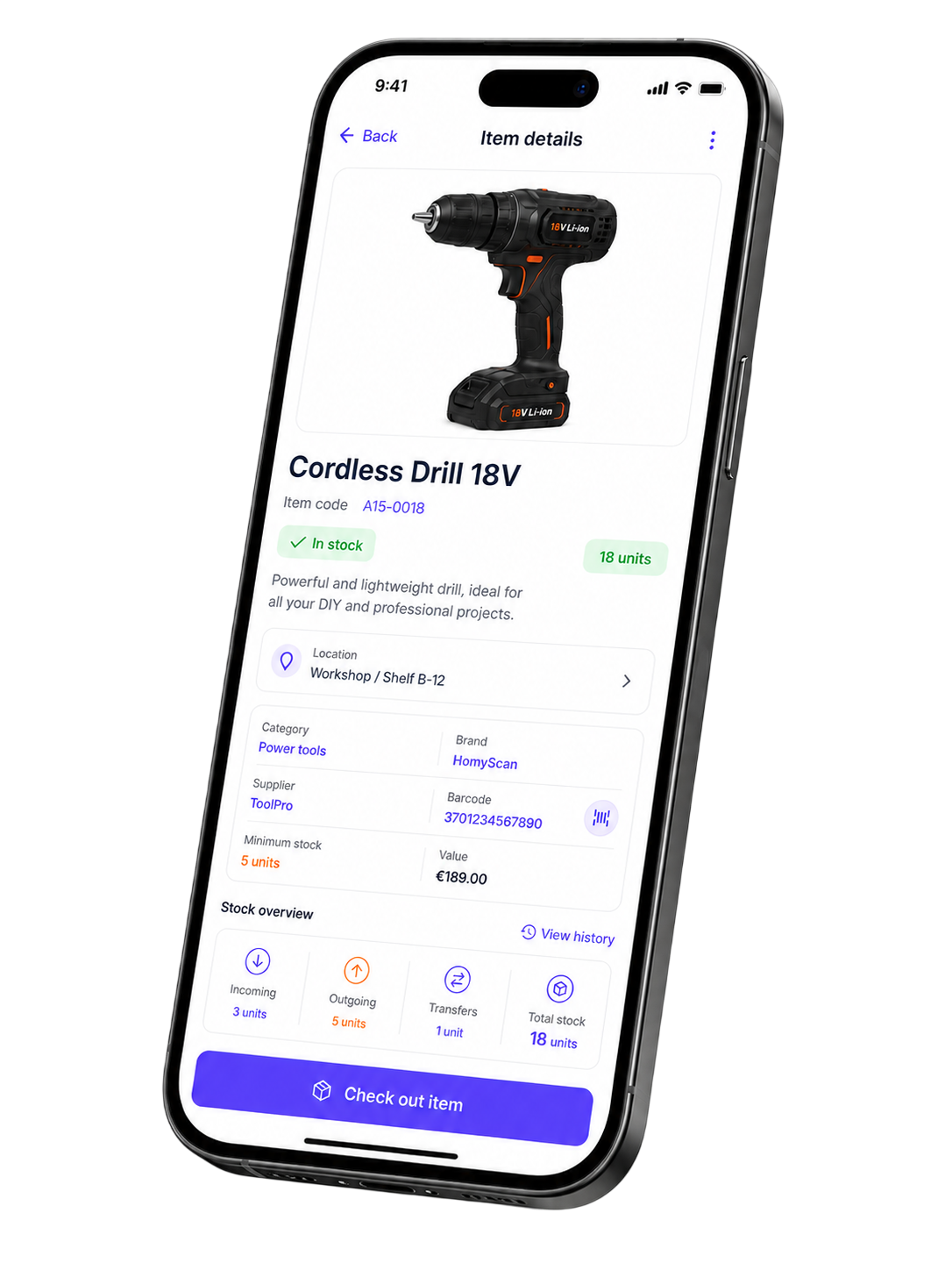
Track stock levels, run counts and reorder on time, from the phone you already carry. One live inventory your whole team reads.
Inventory you can't see costs you money
You run out of a part mid-job. You rebuy a tool that sat two shelves away. You count the same rack twice and still doubt the number.
Over 40% of small businesses still track stock by hand, and they pay for it in hours and mistakes.
Everything your inventory needs, in one app
Live stock levels
See how much you have of every item, updated as your team scans. The number on screen matches the shelf.
Reorder points & low stock alerts
Set a minimum on each SKU. You get an alert when stock drops below it, and you reorder before a job stalls.
Stock counts without the shutdown
Run a cycle count on one shelf or a full stock take on a site. Scan, confirm, move on.
Multiple locations
One catalog across your warehouse, your shop and every van. Transfer items between locations in two taps.
Movement history & audit trail
Every add, removal and transfer carries a name and a timestamp. You see who moved what, and when.
Items with photos, SKUs & suppliers
Give each item a photo, a code, a price and a supplier. Your team finds things by sight, not by guesswork.
From boxes to a live inventory in an afternoon
No setup project. No consultant. You do it yourself.
1 · Add your items
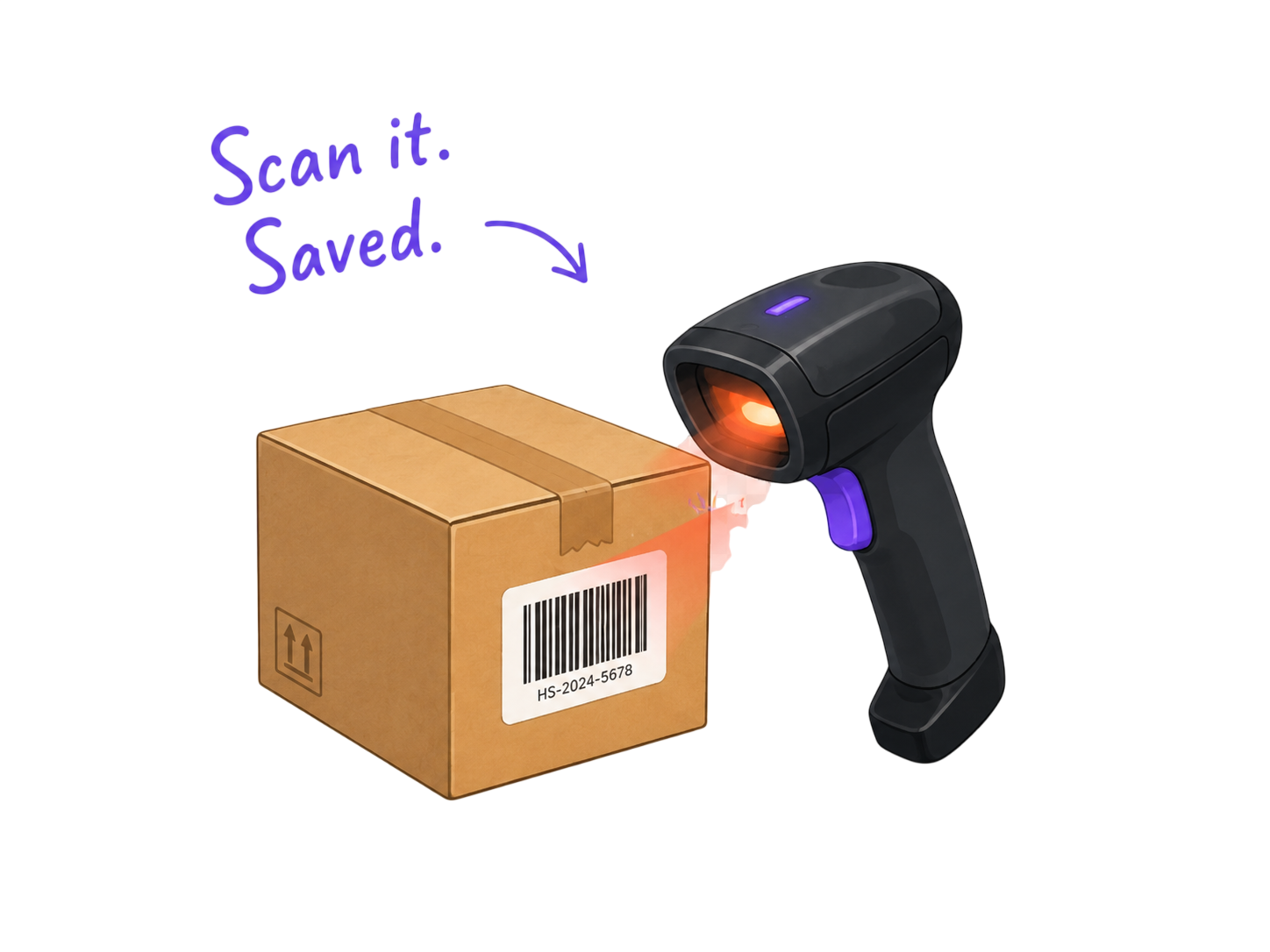
Scan barcodes or import your spreadsheet. Your catalog fills up in a few clicks.
2 · Organize by location
Create folders for sites, vans, rooms and suppliers. Shape it around how your business runs.
3 · Track every movement
Check items in and out as you work. Stock levels update for the whole team.
4 · Count and reorder
Run cycle counts to keep numbers honest. Reorder when an item hits its minimum.
Built for teams leaving the spreadsheet behind
A spreadsheet holds up to about a hundred items and one pair of hands. Past that, two people overwrite each other, counts go stale the day you finish them, and a single typo orders parts you never needed.
HomyScan keeps one live count, updated by scan, shared by everyone.
- One pair of hands, a hundred items.
- Two people overwrite each other.
- Counts go stale the day you finish them.
- One live count, shared by everyone.
- Updated by scan, never by hand.
- Stock on screen matches the shelf.
Stock, supplies, parts, tools
Consumables you reorder every month. Parts that move between vans. Tools and equipment your crew shares. One catalog holds it all, and the same scan updates it.
Set up for the way your trade works
See how teams like yours keep inventory straight.
Inventory management questions
What is inventory management?
Inventory management is how you track what you own, where it sits and how much you have. It covers stock levels, counts, reorders and movement across locations.
What's the difference between inventory control and inventory management?
Inventory control handles the stock already on your shelves: counting, storing, tracking. Inventory management adds reordering, suppliers and planning. HomyScan covers both for a small team.
Do I need an app, or is a spreadsheet enough?
A spreadsheet works for one person and a hundred items. Past that, counts go stale and people overwrite each other. An app keeps one live count your whole team shares.
Does it work offline?
Yes. You keep scanning with no signal, and your counts sync when you reconnect.
How long does setup take?
Most teams have a working inventory the same afternoon. Scan or import your items, create your locations, start tracking.
Can I import my current spreadsheet?
Yes. Upload your Excel or CSV file and HomyScan turns each row into an item.
The tools behind it
Get your inventory under control today
15 days free. No credit card. Cancel anytime.