Inventory management software for small business
Scan, organize and track your stock, tools and equipment from any phone. You set it up in minutes, and your crew sees what you have and where it sits.


Scan to add, scan to find
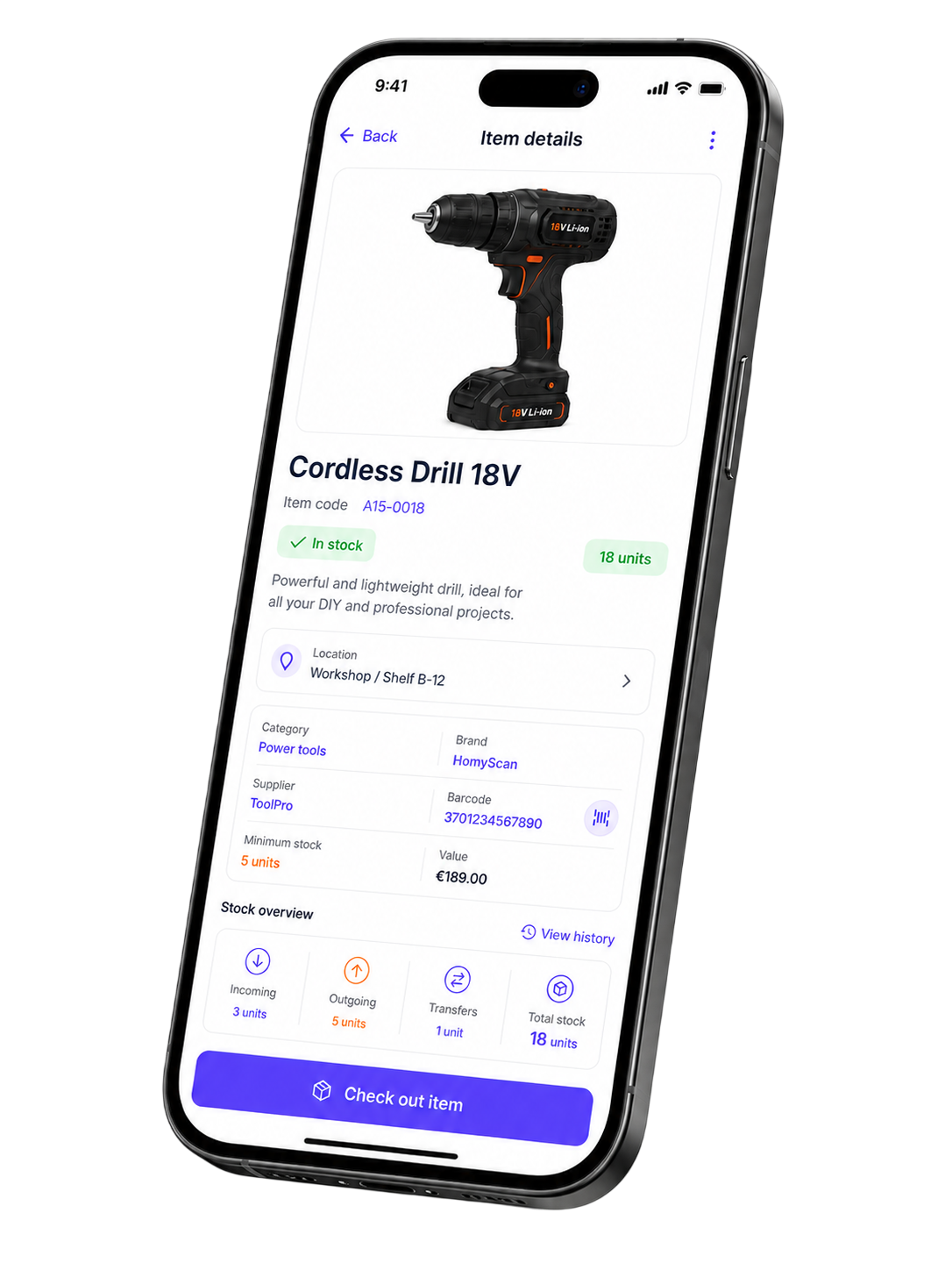
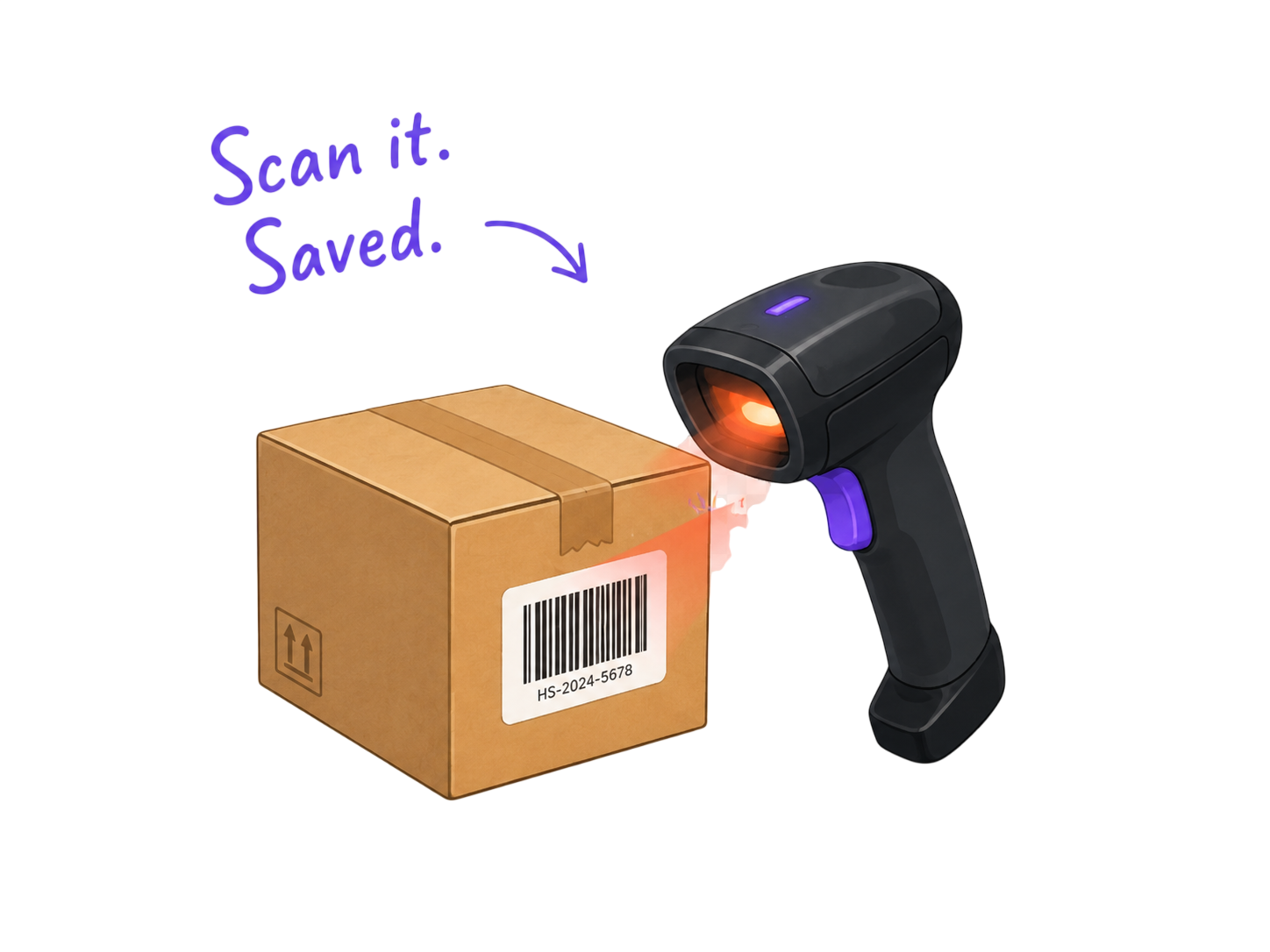
Point your phone at a barcode to add an item. Search by name, photo or code to find it in seconds. No typing, no lost rows.
Know before you run out
Set a reorder point on each item. You get an alert when stock drops below it, so you restock before a job stalls.
One inventory, every device
Open HomyScan on the office PC, then check the same stock from your phone on site. Your team reads the same numbers.
Your team, your rules
Invite your crew. Decide who edits and who only views. You keep control of the data.
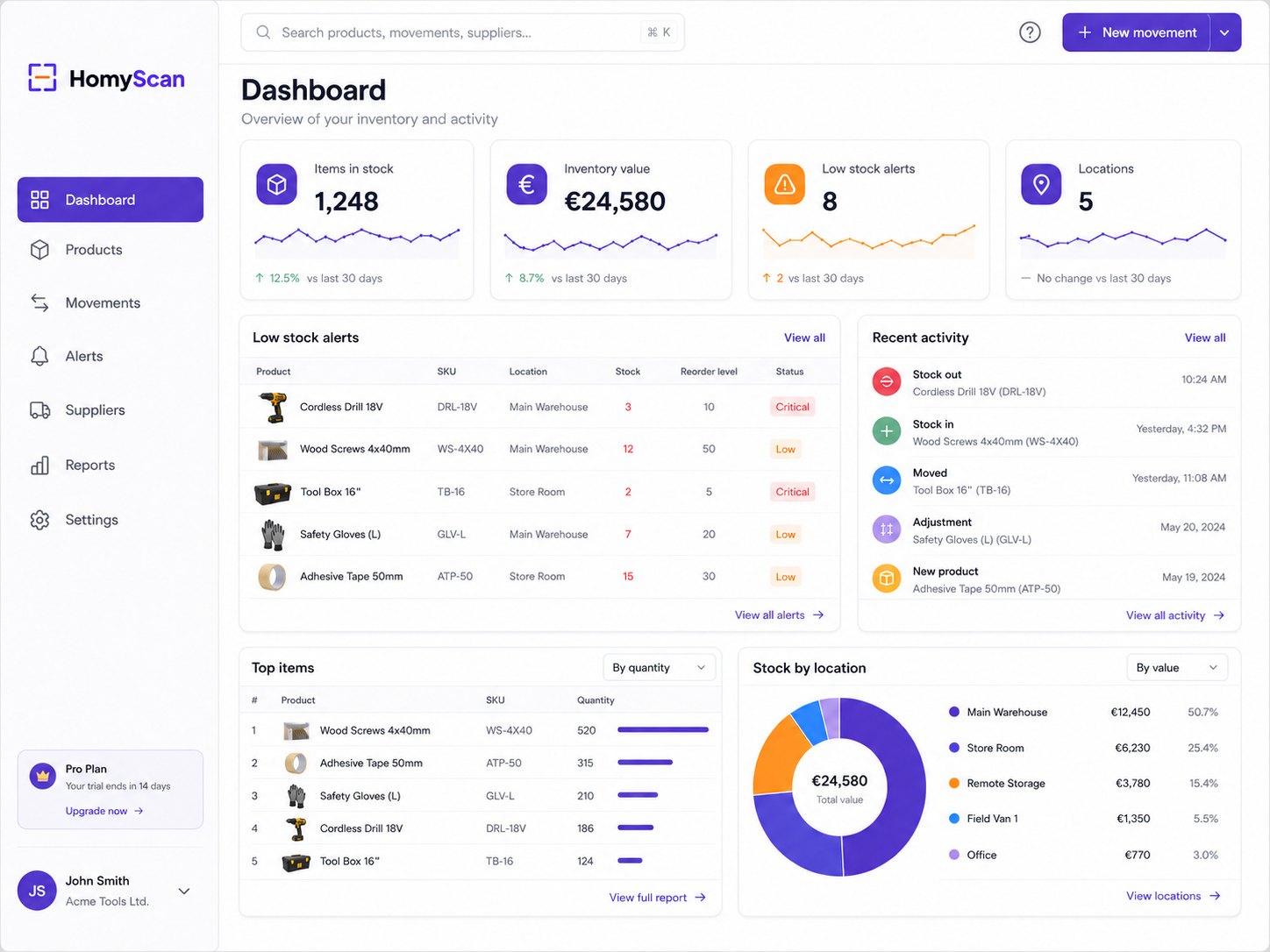
See your whole inventory on one screen
Your dashboard shows stock levels, recent movements, low-stock alerts and team activity together. You spot the problem before it costs you a job.
- Live stock counts and value
- Low stock and alert management
- Movement history and audit trail
- Multi-location tracking
Spreadsheets break when your stock grows
- You type every count by hand.
- Two people edit the same file and overwrite each other.
- A single typo orders 500 screws you never needed.
- Nobody knows which number is the real one.
- You scan an item and the count updates itself.
- Your crew works from the same live data.
- You find any item by name, photo or barcode.
- Stock on screen matches stock on the shelf.
Manual tracking runs about a 3% error rate. On 100 orders, that is 3 mistakes you pay for. Scanning closes that gap.
Start tracking in three steps
No setup project. No consultant. You do it yourself.
Add your items
Scan barcodes or import your spreadsheet. Your catalog fills up in a few clicks.
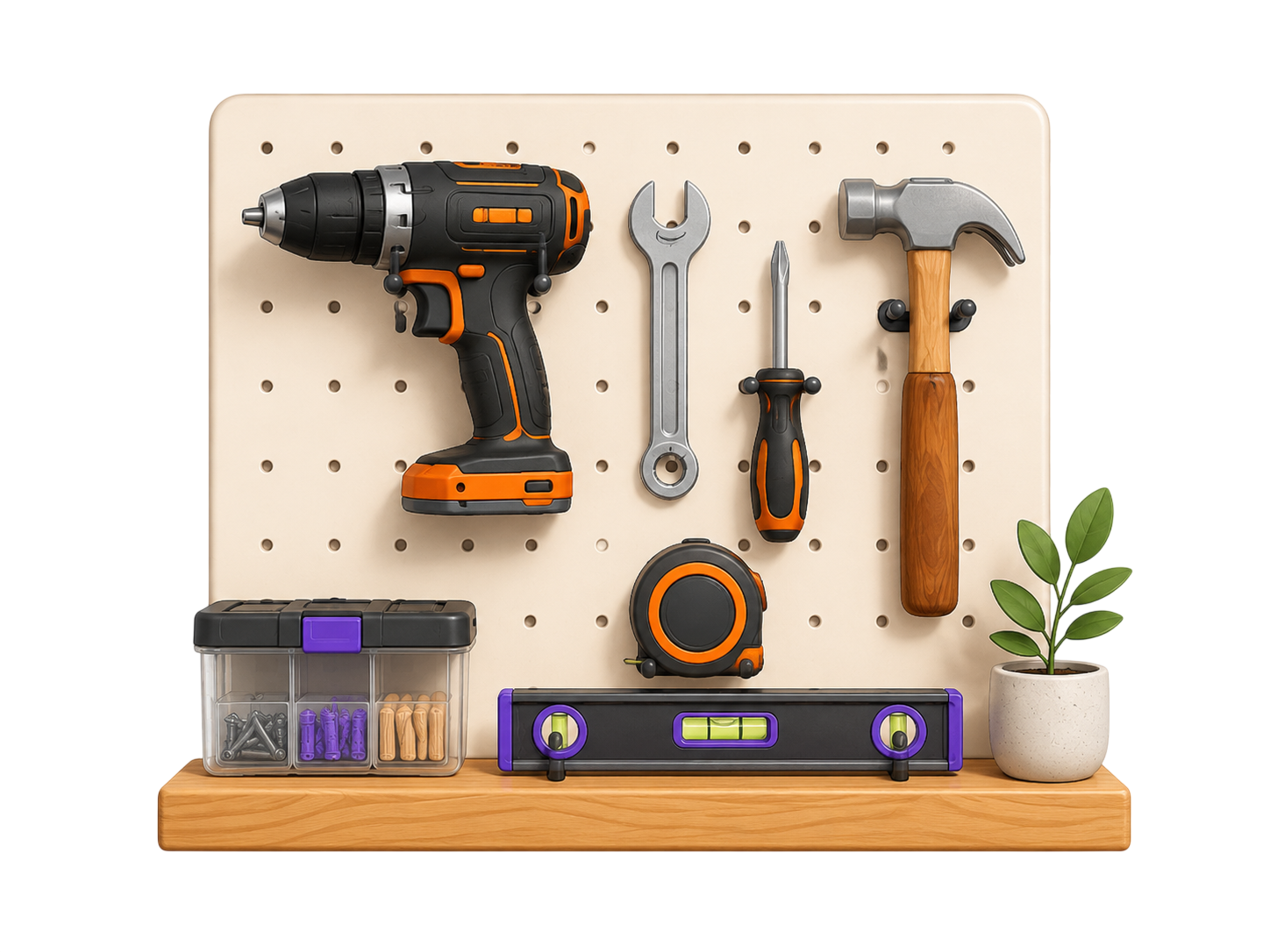
Organize your way
Create folders, locations and suppliers. Shape it around how your business runs.
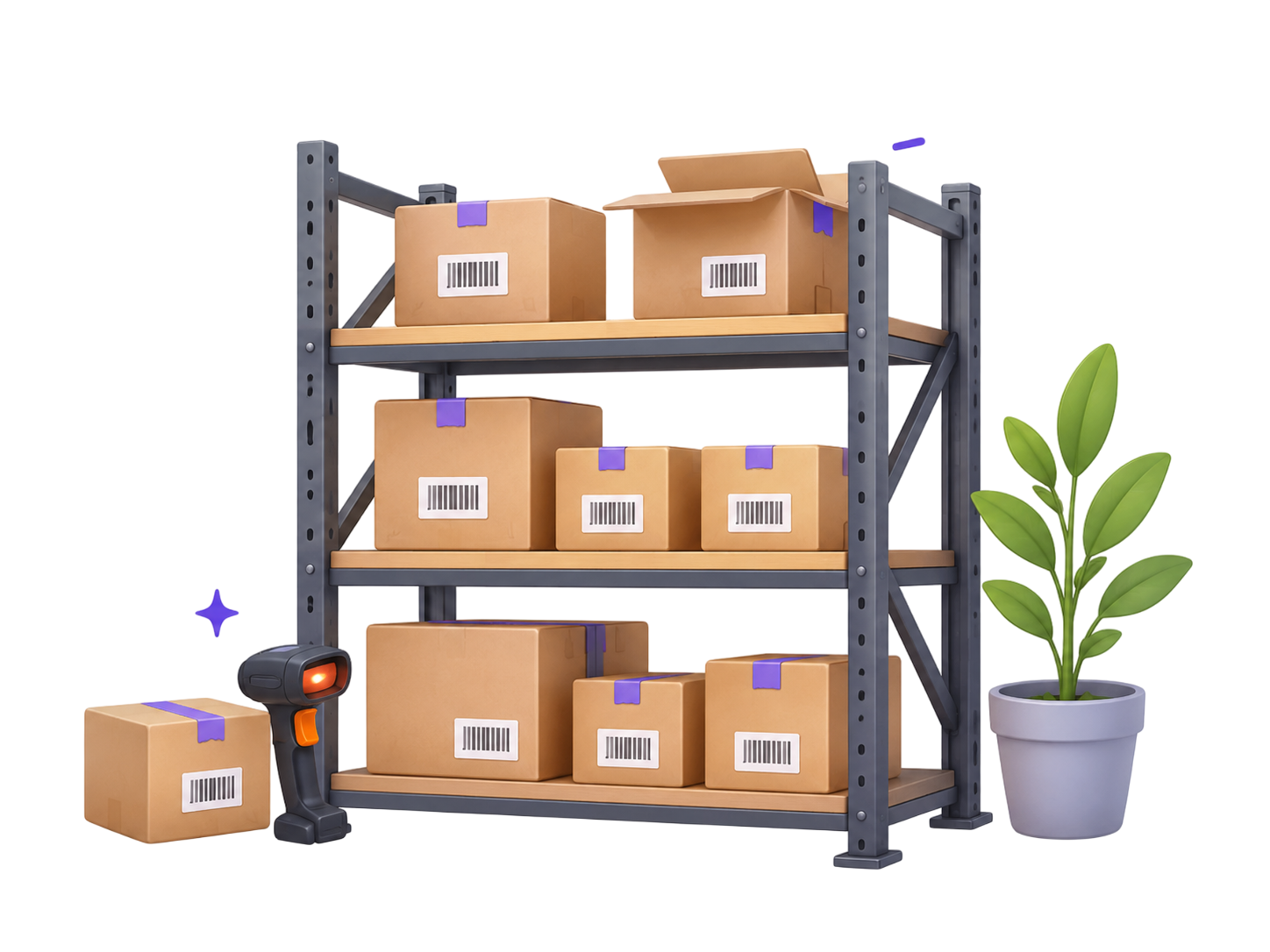
Track and restock
Watch stock move in and out across locations. Reorder before you run dry.
Built for the way your trade works
Pick your field and see how teams like yours track their inventory.
Track anything with a barcode or a photo
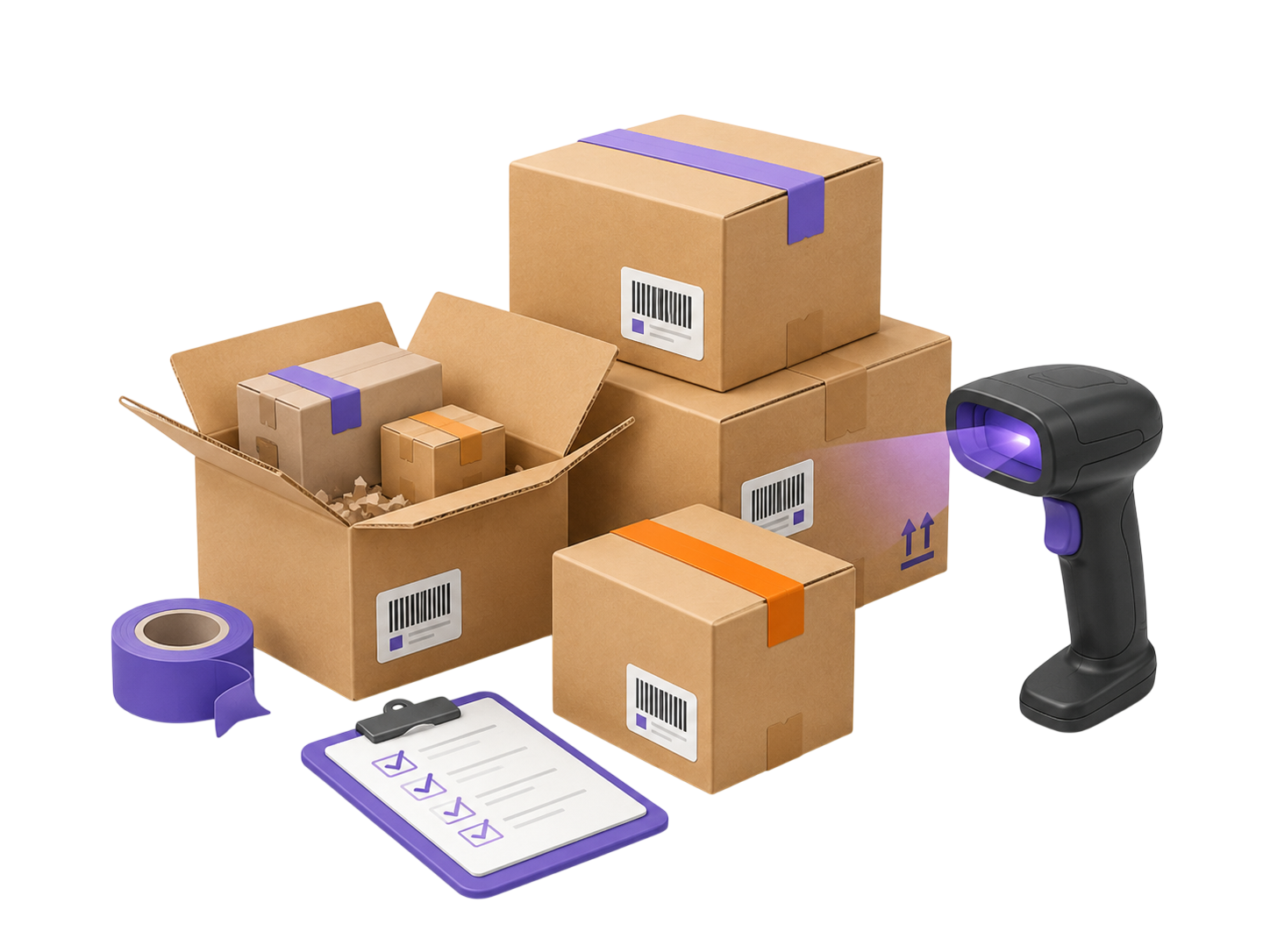
Stock and supplies. Parts and consumables. Tools and equipment. Fixed assets your team shares. If it matters to your business, you track it in HomyScan.
Questions before you start
Do I need a barcode scanner?
No. Your phone camera reads UPC, EAN and QR codes. Add a hardware scanner later if your volume grows.
Can I import my current spreadsheet?
Yes. Upload your Excel or CSV file and HomyScan turns each row into an item.
Does it work without signal?
Yes. You keep scanning on site with no connection. Your data syncs when you reconnect.
What can I track?
Stock, supplies, parts, tools, equipment and shared assets. Anything with a barcode or a photo.
How much does it cost?
Start free for 15 days, no card. Paid plans start at $19/month. See the pricing page for details.
Where does my data live?
On encrypted European servers. You own it and you export it whenever you want.