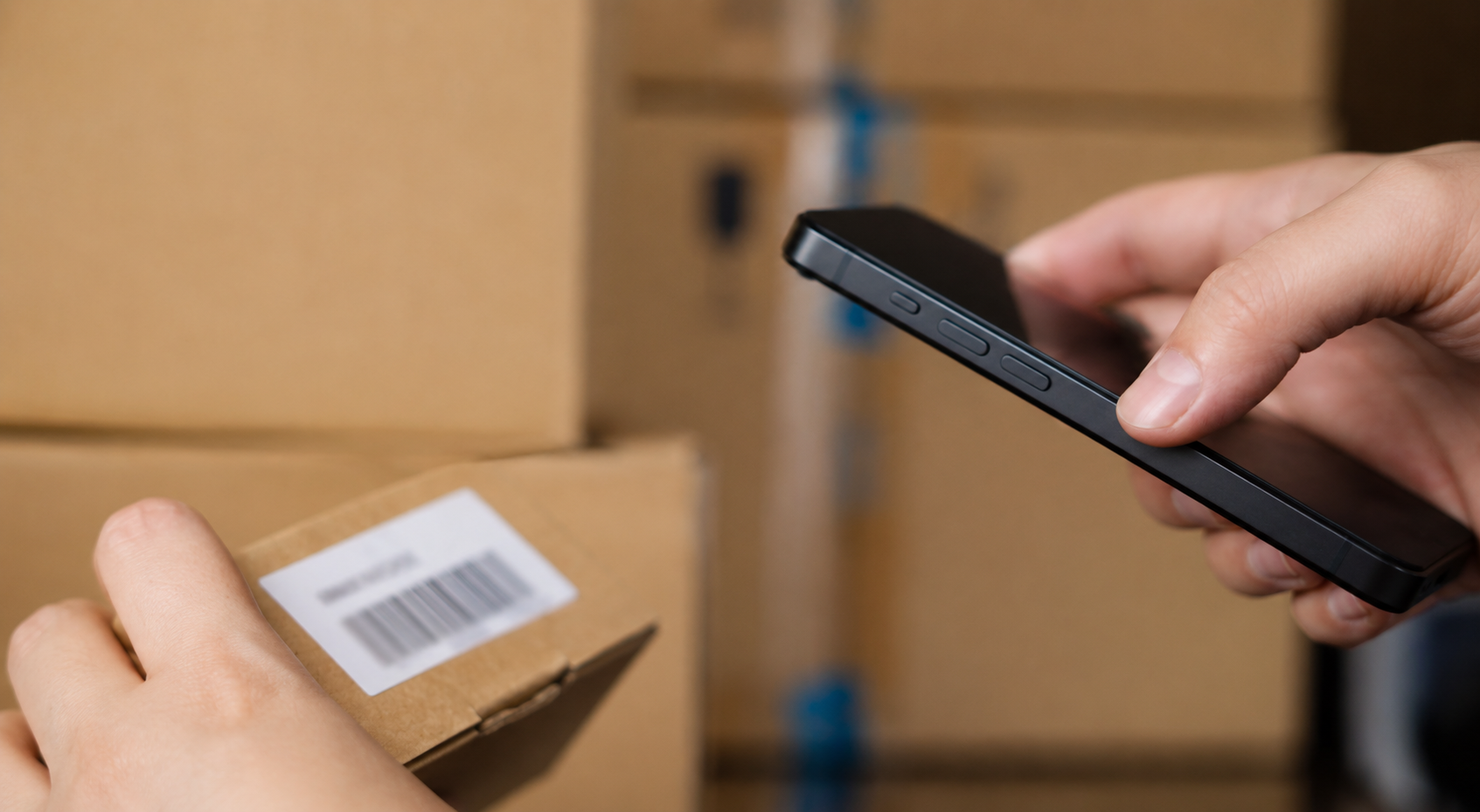
An inventory system with a barcode scanner is software that tracks your stock by reading a barcode on each item instead of typing numbers by hand. You scan an item to add it, find it, count it or move it, and the software updates the record in real time. That is the whole idea, and this guide covers how it works, the barcode types, whether you scan with a phone or a dedicated device, which scanner to buy, what it costs, and how to set one up.
Barcodes are everywhere for a reason. GS1 reports that roughly 10 billion barcodes are scanned around the world every day. A scan takes a fraction of a second, while typing a code by hand takes 10 to 20 seconds and invites typos. On a 500-item count that is the difference between about 15 minutes and about 2 hours.
What is an inventory system with a barcode scanner?
It has three parts: barcoded items, a scanner, and software. Each item carries a unique barcode that stands in for its record. The scanner reads the code, and the software looks up that item and updates its count, location or status. A 2024 survey of US small retailers found that those using barcode systems reported about 30% fewer errors, because a scan removes the manual typing where mistakes creep in.
You do not need a warehouse to use one. A small shop, a trades team or a home-based business can run a full barcode system with a phone and an app.
How does a barcode inventory system work?
The flow is simple. A new item arrives, you scan its barcode, and the software finds the matching record and adds it to stock. When the item moves, sells or comes back, you scan it again and the count adjusts on its own. No one walks to a computer to type a number.
There is a small difference under the hood. A 1D barcode, the familiar stripes, holds an ID that points to a record in your database, so the software does the lookup. A 2D barcode, like a QR code, can store the data inside the code itself, such as a serial or batch number. Either way, the scan keeps your on-screen count matching the stock on the shelf.
Barcode types and formats: 1D vs 2D
Barcodes fall into two families.
One-dimensional, or 1D, are the vertical stripes you see on retail packaging. The common formats are UPC, used at retail in the US, EAN, the global retail equivalent, and Code 128, a compact format that handles letters and numbers and works well for your own internal codes. Code 39 is an older alphanumeric format you still see on assets. These all carry an ID that points to a record.
Two-dimensional, or 2D, are square patterns of dots. QR codes are the best known, they hold a lot of data and scan easily with a phone. Data Matrix is tiny and suits small parts and electronics, and PDF417 appears on IDs and shipping labels. For most small businesses tracking their own stock, Code 128 or a QR code does the job.
Do you need to buy barcodes, or can you make your own?
This trips up most beginners, so here it is plainly. If an item already has a manufacturer barcode, a UPC or EAN on the packaging, just scan that, it is free and already there. For items with no barcode, like tools, equipment or your own untagged products, you generate your own barcodes inside your inventory software and print labels. That is also free and perfectly valid for tracking your own stock.
You only need to buy official barcodes from GS1 when your products get scanned at other retailers' checkouts, such as a supermarket or Amazon, because those need to be globally unique. For pure internal tracking, where you are the only one scanning, make your own and skip the cost.
Smartphone or dedicated scanner: which should you use?
You no longer need a dedicated scanner to run a barcode system. A modern phone camera reads both 1D and 2D codes, so an app turns the phone in your pocket into the scanner. With phone-based barcode scanning you point the camera at a code to add or find an item, with no extra hardware to buy. For a small team, the field, or low to moderate volume, the phone is often all you need.
A dedicated scanner earns its place when you scan all day. It is faster, more comfortable over a full shift, and more reliable in low light or rough conditions. The simple rule: start with your phone, and add a dedicated scanner when scanning becomes a constant part of the work.
Types of barcode scanners, and which models
If you do buy a scanner, three types cover almost every case.
USB wired scanners are the cheapest and simplest, from about $15 to $25 for an entry model. They plug into a computer and act like a keyboard, so the scan "types" the number and presses enter, with no drivers and no special software. They suit a fixed spot like a receiving desk or a counter. Reliable picks include NADAMOO and Symcode at the budget end, and the durable 1D Zebra LI2208 if you want something that lasts.
Wireless Bluetooth scanners let you move around the shelves and usually run $30 to $80, up to around $175 for entry enterprise models. The NETUM Bluetooth scanner is a strong budget option under $30, the Inateck BCST-70 is a popular wireless choice, and the Honeywell Voyager 1602g and Zebra CS60 are solid step-ups for daily use.
Smart Android handheld computers combine the scanner and the software on one device, which fits busy warehouses but costs the most. The Zebra TC26, Honeywell CT60 and Tera P166GC are common examples.
One tip when buying
Get a 2D imager rather than a 1D-only laser if you will ever scan QR codes, because a 1D laser cannot read them.
What you need to set one up
Three things, and one optional.
The software is the brain that holds your item list and updates counts. The barcode labels identify each item, either the existing manufacturer code or your own printed label. The scanner reads the codes, and that can be your phone or a device. Optional is a label printer, roughly $100 to $300, if you print a lot of your own labels rather than ordering sheets.
How to set up a barcode inventory system, step by step
- Organize your item list and give each item a clear SKU, a short logical code like TS-WHITE-S. If your list is already in a spreadsheet, import the file so each row becomes an item and you keep what you built.
- Pick inventory software that supports barcode scanning.
- Use existing barcodes where items have them, and generate and print labels for the rest.
- Label each item. Choose a label size and material that fit and stick, and place it on a clean, flat, easy-to-scan spot so a warped or tiny label does not block the read.
- Choose your scanner, a phone to start or a device if you scan all day.
- Set procedures and train the team for receiving, picking and counts. A barcode system only stays accurate if everyone scans consistently.
- Start scanning. From here, every receipt, move and sale updates the count on its own.
How much does it cost?
The cheapest path is a phone plus an app, where your only real cost is the software, often from about $19 a month. Add hardware and a small-business setup runs roughly $200 to $800: a scanner at $50 to $150, a label printer at $100 to $300, and software at $20 to $50 a month. You can start with the phone and add hardware later as volume grows.
Why use one
A barcode inventory system removes the slow, error-prone typing at the center of manual tracking. You get counts that update in real time, faster stocktakes, a log of who scanned what and when, and far fewer of the typos that create ghost stock, items your records show but the shelf does not. For a small team, the payoff shows up fast in time saved and counts you can trust.
Common questions
Can I use my phone as a barcode scanner for inventory?
Yes. A modern phone camera reads both 1D and 2D codes, and an inventory app turns it into the scanner. For small teams and field work, the phone is often all you need, with no extra hardware to buy.
Do barcode scanners work with Excel?
Yes. A USB scanner acts like a keyboard, so the scan types the code straight into the active cell. It works for capturing codes, but a spreadsheet will not update counts or log movements on its own the way inventory software does.
What is the difference between a barcode and a QR code?
A QR code is a type of 2D barcode. A standard 1D barcode is a row of stripes that points to a record, while a QR code is a square pattern that holds more data and scans easily with a phone.
Can I create barcodes for free?
Yes, for your own stock. You generate and print barcodes inside your inventory software at no cost. You only pay for official GS1 barcodes when your products get scanned at other retailers' checkouts.
How many items can a barcode system handle?
From a handful to many thousands. The same setup that tracks 50 items scales to a large catalog across several locations, which is why it is worth putting in place early.
You can start today with the phone you already carry, try it free for 15 days, no card, and add a scanner only if you ever need one.