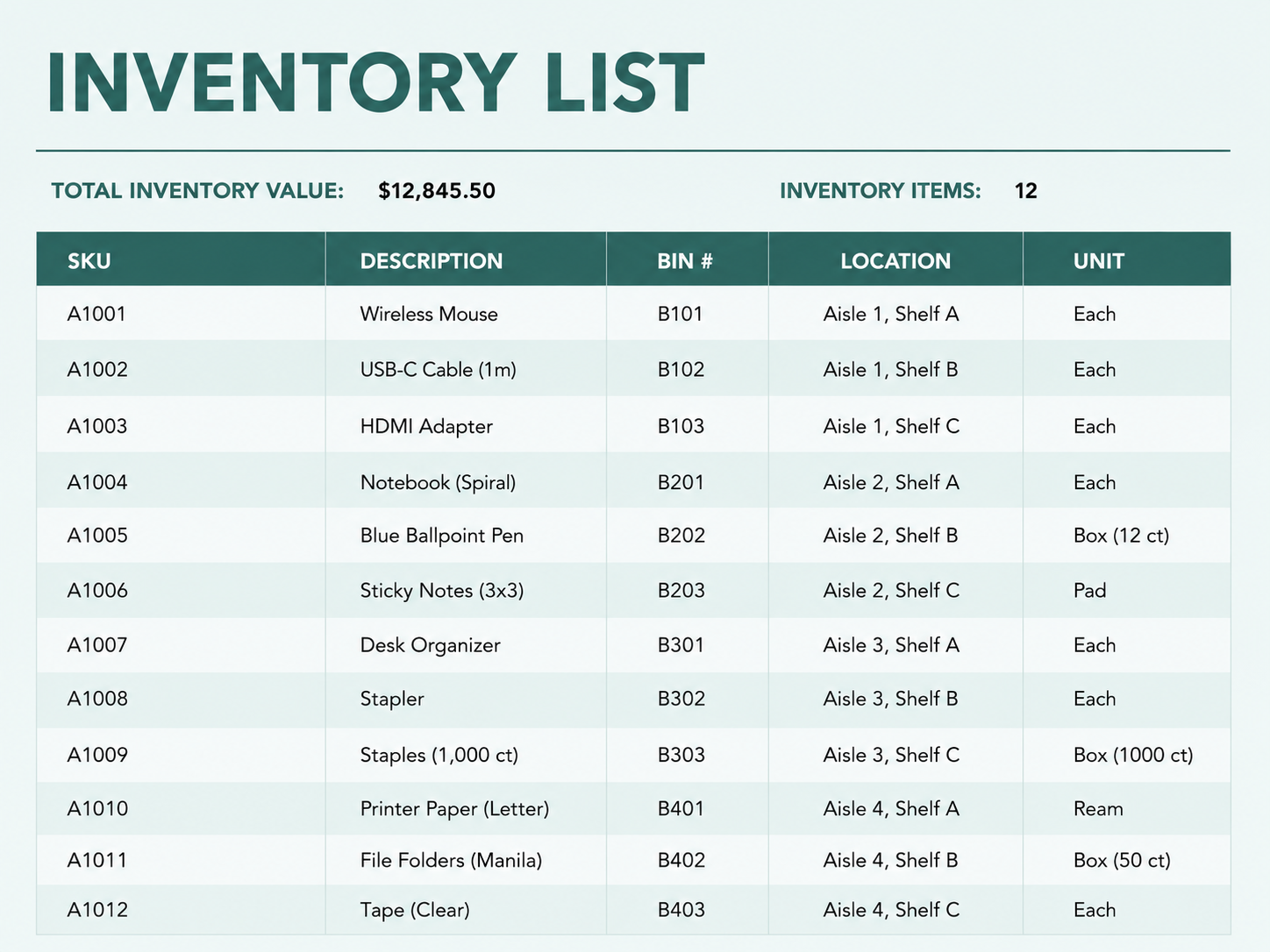
This guide walks through it step by step, gives you a free template, and shows you the point where a spreadsheet stops being enough and a dedicated inventory spreadsheet alternative earns its place.
What columns should an inventory spreadsheet have?
Start with the fields you will actually use. Most small teams track these:
| Column | What it holds |
|---|---|
| Item ID / SKU | A short code that makes each item unique, so two things called "cable" never get confused |
| Item Name | The plain name people use day to day |
| Description | Size, model, or detail that tells similar items apart |
| Category | Tools, parts, supplies, equipment |
| Location | Shelf, bin, van, or site |
| Quantity on Hand | How many you have right now |
| Reorder Level | The lowest count you allow before restocking |
| Unit Cost | What one unit costs you |
| Inventory Value | Quantity times unit cost, filled by a formula |
| Stock Status | A flag that reads "Reorder" or "OK" on its own |
| Supplier | Where you buy it |
One row per item, never merge cells
Clean rows are what let you sort, filter, and later move the file somewhere else without it falling apart.
How to make an inventory spreadsheet in Excel, step by step
Open a blank workbook
Launch Excel, choose Blank workbook, and rename the first tab "Inventory" so you can find it later.
Add your headers
Type the column names from the list above across row 1. Make the row bold so the headers stay readable as the list grows.
Format it as a Table
Select your headers and a few empty rows, then press Ctrl+T. An Excel Table gives you filter arrows, banded rows, and formulas that copy down on their own when you add an item.
Enter your items
Fill one row per item. Resist the urge to track everything at once. A short, accurate list beats a long list you stop trusting.
Add the value formula
In the Inventory Value cell of your first row, multiply quantity by unit cost. If quantity is in column F and unit cost in column H:
=F2*H2Let it fill down the column. Every row now shows its own stock value.
Add a reorder flag
In the Stock Status cell, compare quantity to your reorder level with an IF formula. If quantity is in F and reorder level in G:
=IF(F2<=G2,"Reorder","OK")Now every item tells you its own status.
That is a working inventory tracker. The next two steps are what make it feel alive.
How do you add a low stock alert in Excel?
A formula tells you the status, but you still have to read it. Conditional formatting paints it for you.
Select your data rows, open Home › Conditional Formatting › New Rule, and choose "Use a formula to determine which cells to format." Enter a rule that checks quantity against reorder level, then pick a fill color:
=$F2<=$G2Every row that drops to or below its reorder level turns color on its own. You scan the sheet and the items that need attention jump out.
This is the closest a spreadsheet gets to a real low stock alert. It works, with one catch worth remembering: the color only appears when someone opens the file and the numbers are current. The sheet never reaches out to you, the way automatic low stock alerts do once they live in a real app.
The catch
The color only appears when someone opens the file and the numbers are current. The sheet never reaches out to you.
How do you keep a running stock count?
If you want the quantity to update as stock moves instead of editing it by hand, split it into three columns: Starting Stock, Stock In, and Stock Out. Then set Quantity on Hand to add and subtract them. With starting stock in column C, stock in D, and stock out E:
=C2+D2-E2Receiving and issuing items becomes a number you add to a column rather than a figure you overwrite, which leaves a rough trail of what moved.
You can also add dropdowns so categories and locations stay consistent. Select a column, open Data › Data Validation, choose List, and enter your options. Now people pick from a list instead of typing "warehouse," "Warehouse," and "WH" into the same column.
Free inventory spreadsheet template
If you would rather not build it from scratch, start from a ready sheet. Our free template comes with the columns above, the value and reorder formulas already written, and the low stock formatting set up. Download it, replace the sample rows with your own, and you have a working tracker in a few minutes.
The inventory spreadsheet template
Columns, value and reorder formulas, and low stock formatting, already set up. Replace the sample rows and you are tracking.
Excel and Google Sheets. No spam. Unsubscribe anytime.
The template is on its way to your email.
How do you track items with photos or barcodes in a spreadsheet?
Here is where the cracks start to show. A spreadsheet was built for numbers, not for the physical world your stock lives in.
Photos are the first wall. Excel cannot hold a real picture inside a cell the way it holds a number, so people fall back on hyperlinks to image files or floating images that drift out of place when rows move. For an item you need to recognize on a shelf, that is fragile.
Barcodes are the second. You can store a barcode number in a column, but a spreadsheet cannot scan anything. Being able to scan barcodes with your phone to update stock is something only a tool built for it gives you. In a sheet you would bolt on a separate scanner app and copy values across, which is more moving parts than most small teams keep running for long.
Where does an inventory spreadsheet stop working?
A spreadsheet is a fine first step, and for a single person tracking a short list it can run for years. The trouble shows up at predictable points.
- People. The moment two people open the same file, you get overwrites and "final_v3" copies, and the count you trust is no longer the count on screen.
- The field. The file sits on a laptop while the stock sits in a van or on a site, so updates happen hours late, from memory.
- Silence. Nothing warns you before you run out, because the alert only exists if someone opens the sheet and looks.
- Error. Research on business spreadsheets keeps finding the same pattern, that the large majority contain mistakes, and a wrong number in a sheet looks exactly like a right one.
None of this means the spreadsheet was a bad idea. It means you have outgrown it.
When should you switch from a spreadsheet to an app?
The switch makes sense when the spreadsheet costs you more time than it saves, usually once a second person needs the data or your team starts updating stock away from a desk.
The part teams dread is moving their data, and it is smaller than they think. You do not start over. You import your existing Excel or CSV file and keep the list you already built. We see this in our own numbers: about 22% of HomyScan teams bring in their very first item straight from a spreadsheet through the import function, rather than typing it by hand. The work you put into your sheet is the work you carry over.
So build the spreadsheet. It is the right place to start, and the steps above give you a real one. Just know the signs that say you have moved past it, and that leaving it behind is an export and an import, not a project.
Frequently asked questions
Can you track inventory in Excel?
Yes. With columns for quantity, reorder level, and unit cost, plus a value formula and an IF formula for stock status, Excel works as a basic inventory tracker for one person and a short list.
How do I make an inventory sheet with quantities and prices?
Add a Quantity on Hand column and a Unit Cost column, then create an Inventory Value column with the formula =Quantity*Unit Cost. Excel calculates each item's value and you can sum the column for total stock value.
How do I create a low stock alert in Excel?
Use conditional formatting with a formula rule that compares quantity to reorder level, such as =$F2<=$G2, and choose a fill color. Rows at or below their reorder level change color. The catch is that it only updates when the file is open.
Can Excel scan barcodes?
No. Excel can store a barcode number in a cell, but it cannot scan one. Scanning to update stock needs a separate app, which is why teams that scan often move to a dedicated tool.
Is Excel good for inventory for a small business?
For a single user with a small, slow-moving list, yes. Once several people update stock, or your team works away from a desk, a spreadsheet starts to drift and an app fits better.